Sentence Transformers: Semantic Text Similarity in Python
Use Sentence Transformers in Python to create embeddings, compare text with cosine similarity, and find nearest matches in a practical Crunchbase example.
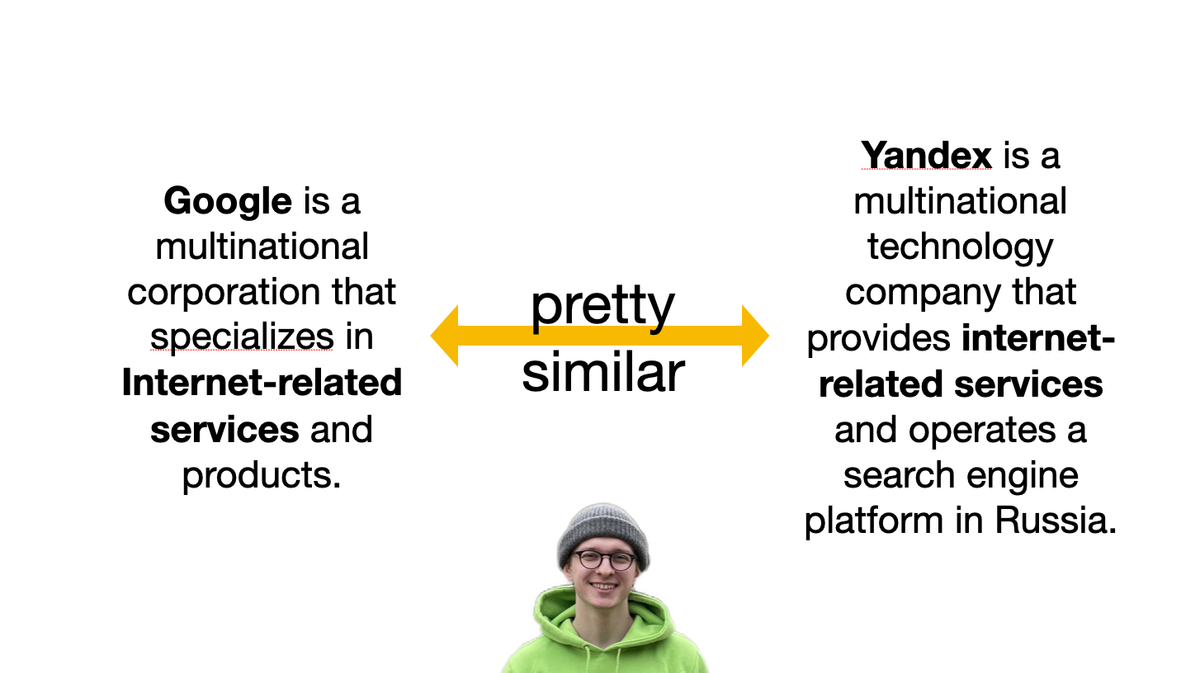
Updated for 2026: Sentence Transformers is still the simplest place to start when you need semantic text similarity in Python: encode each text into an embedding, then compare the embeddings with cosine similarity. The current API exposes this directly through model.similarity().
Quick answer: semantic text similarity in Python
pip install -U sentence-transformersfrom sentence_transformers import SentenceTransformer
model = SentenceTransformer("all-MiniLM-L6-v2")
sentences = [
"A company that builds analytics for Telegram bots",
"Telegram bot analytics platform",
"A meal delivery service",
]
embeddings = model.encode(sentences)
similarities = model.similarity(embeddings, embeddings)
print(similarities)The closer the cosine similarity score is to 1, the more similar the texts are.
Which Sentence Transformers docs to use
If you are looking for the official docs: start with Semantic Textual Similarity for pairwise text comparison and cosine scores. Use the Semantic Search guide when you have one query and a corpus of many documents. The current Sentence Transformers docs say SentenceTransformer.similarity returns a similarity matrix and uses cosine similarity by default.
- Two or a few texts: encode the texts, then call
model.similarity(). - One query against many texts: use semantic search utilities or a vector database.
- Old examples: treat direct KDTree code as a historical shortcut, not the first thing to copy in 2026.
The original Crunchbase clustering walkthrough from 2021 is below. I kept it because the workflow is still useful, but its model choice and nearest-neighbor code are dated.
Original Crunchbase clustering example
Imagine you have a lot of objects with text descriptions (users and their bios, tweets, comments) and you need to somehow cluster them: find groups of similar objects.
You can come up with keyword-based distance but that's not scalable and simply not cool. The cool thing is to use neural networks to transform texts into vectors (embeddings) because it is simple to find the distance between vectors.
In this post, I'll show you how I did it with Crunchbase companies and their long descriptions using Google Colab (free GPUs for transformers) and Sentence transformers from Python library (for embeddings).
Step 1: Prepare dataset
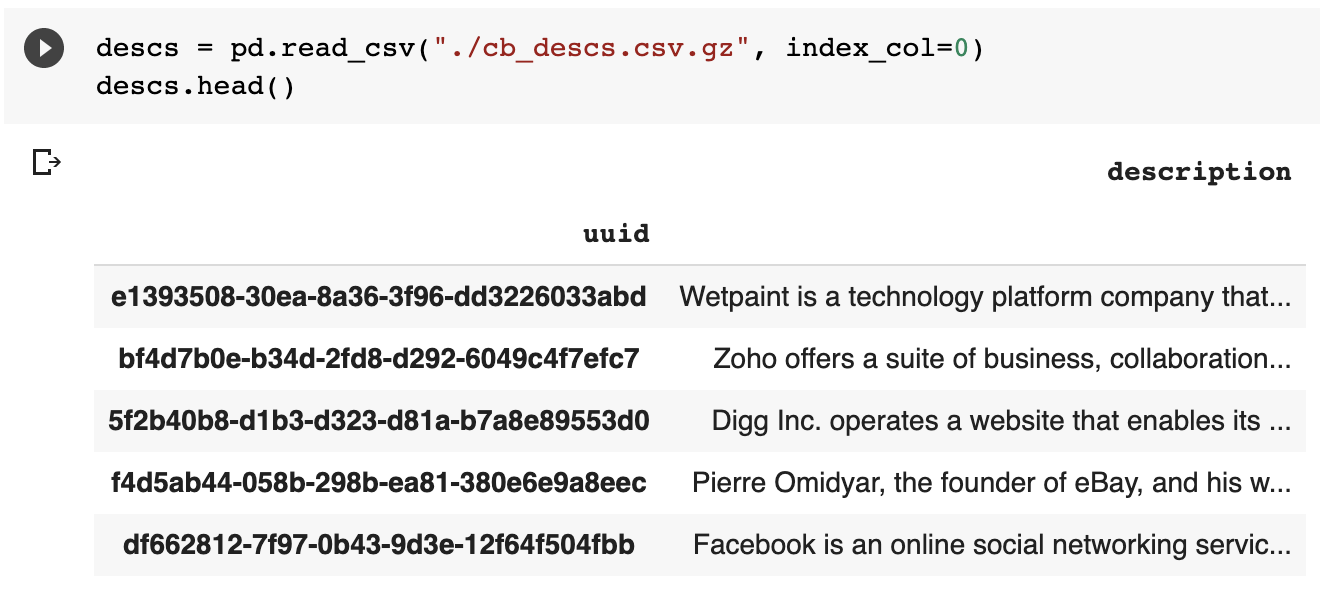
Basically, you need a CSV table with two columns: object id and its text description. I'd suggest starting with the small subsample of data and then, if everything works fine, enlarge the data.
Step 2: Upload it to Google Colab
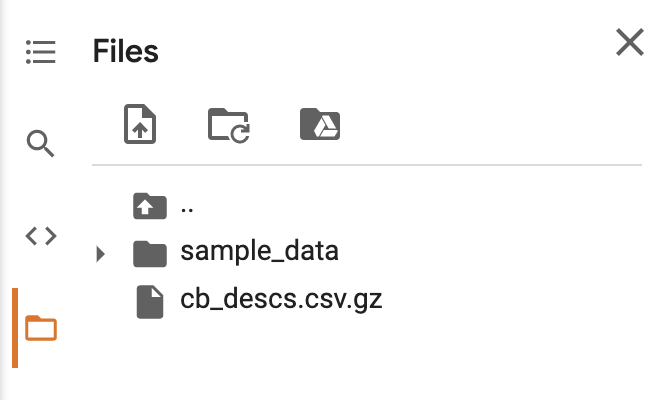
Open https://colab.research.google.com/ and create a new notebook. Then upload your file with descriptions using the side menu:
Step 3: Run the code
Install required python library. Others are already installed. Just copy-paste the code to Google Colab cells and press SHIFT+Enter to run it.
!pip install -U sentence-transformersDownload the embedding transformers (will take some time). You play with other networks, I just used a random one called paraphrase-distilroberta-base-v1:
from sentence_transformers import SentenceTransformer
model = SentenceTransformer('paraphrase-distilroberta-base-v1')
Read your uploaded dataset:
import pandas as pd
descs = pd.read_csv("./cb_descs.csv.gz", index_col=0)
descs.head()
Now let's run our DL stuff and wait while GPUs go brrr
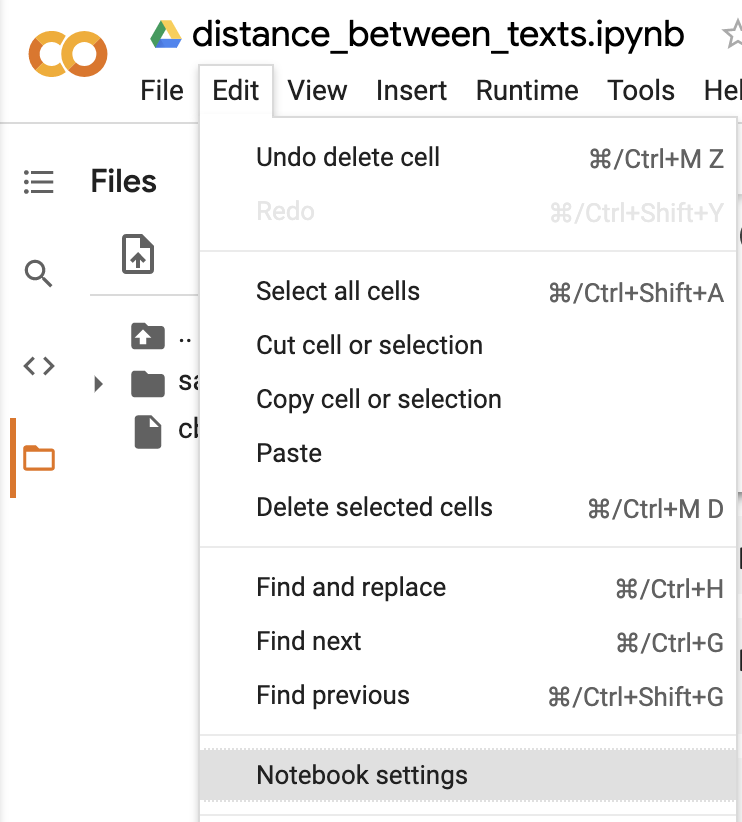
Don't forget to enable GPUs for your notebook:
Calculate embeddings (I wait 16 minutes for my data with 200k rows):
clean_embeddings = model.encode(descs["description"].values)Find 10 similar object ids to every id in the dataset:
from scipy import spatial
tree = spatial.KDTree(clean_embeddings)

uuid_embeds = dict(zip(list(descs.index), clean_embeddings))
index_to_uuid = dict(zip(range(len(descs.index)), list(descs.index)))

RESULTS = {}

from tqdm.notebook import tqdm

for uuid, embeddings_vector in tqdm(uuid_embeds.items()):
  if uuid in RESULTS:
    continue

  closest_indexes_of_vectors = tree.query(embeddings_vector, k=11)[1][1:]

  RESULTS[uuid] = closest_indexes_of_vectors
Tqdm says it will work 100h which is nonsense. But here you go: now you can measure the distance using texts and find the top 10 closest objects.
And finally, prettify and save results:
FINAL_DATA = []
for uuid, indexes in RESULTS.items():
  FINAL_DATA.extend([
    {
      "cb_org_uuid": uuid,
      "similar_to_org_uuid": index_to_uuid[i],
    }
    for i in indexes
  ])

print(len(FINAL_DATA))

results_df = pd.DataFrame(FINAL_DATA)
results_df.to_csv("./results.csv.gz")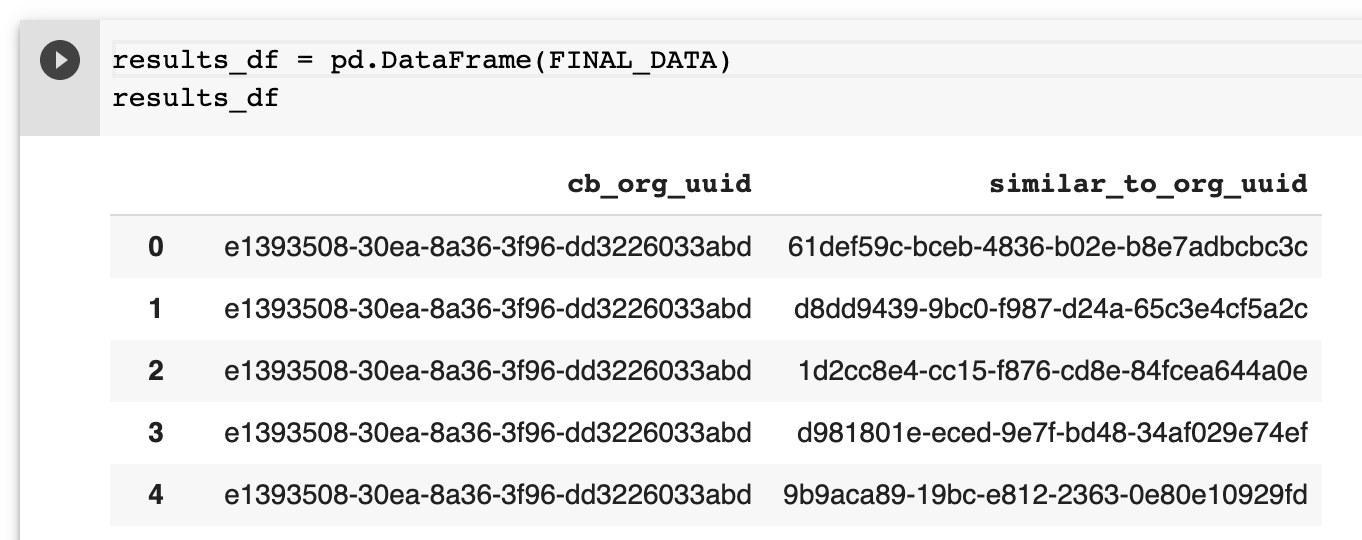
My DL / NLP friends suggest using KNN to speed up the last part. Now your turn to research stuff! Tweet me if you succeed 👋